How to colorize black-and-white photos
Your options for adding color to old black-and-white family photos, from doing it yourself to hiring a retoucher, and what color can and can't tell you.
There's something about seeing a great-grandparent in color for the first time. A black-and-white photo can feel distant, like it comes from another world. Add color, and suddenly it looks like someone you could have met.
This guide explains what colorizing can and can't do, the main ways to do it, and how to get a result your family will feel good about.
First, what color can't know
A black-and-white photo doesn't record color at all. It only records how light or dark each part of the scene was. A red dress and a green dress can come out the very same shade of gray.
That means every colorized photo is part knowledge and part educated guess:
- Usually close: skin, hair that's clearly dark or light, sky, grass, trees, wood, brick.
- A guess: clothing, cars, painted walls, flowers, eye color, and anything else that could have been many colors.
Neither colorizing by hand nor any computer program can know that Grandpa's favorite tie was maroon. Only family can. So if someone remembers the real colors, write them down. A retoucher can use that, and it makes the photo feel truly yours.
Start with a good picture
Whichever option you choose, the result depends on what you start with. Before colorizing, get a sharp, glare-free picture of the photo. Our guide on photographing old photos without glare takes five minutes to read and makes a real difference.
It also helps to repair the photo first: remove scratches and spots, and bring back faded contrast. Colorizing a damaged photo just gives you colorful damage.
Option 1: Do it yourself in a photo editor
Programs like Adobe Photoshop or the free GIMP let you paint color onto a black-and-white photo using layers set to a "color" blend mode. You pick a skin tone, paint it over the faces and hands, then do the hair, clothes, background and so on.
- Good for: people who enjoy detailed computer work and want full control over every color.
- Keep in mind: it takes practice. Skin is the hardest part; flat color looks painted on. Expect a few hours for one portrait, and more for a group photo.
- Cost: free (GIMP) or a monthly subscription (Photoshop).
Option 2: Hire a professional retoucher
A skilled retoucher can repair and colorize a photo by hand, and you can tell them the colors your family remembers. Local photo studios and camera shops often offer this, and so do independent retouchers online.
- Good for: one very important photo, heavy damage like missing pieces or large tears, or when you have specific colors in mind.
- Keep in mind: it typically costs anywhere from about $30 to well over $100 per photo, and takes days to weeks. Ask to see before-and-after examples of their work, especially faces.
Option 3: An online restoration service or app
Modern restoration services can repair and colorize a photo automatically, in about a minute. You take a picture of the photo with your phone, upload it and see the result.
- Good for: a whole shoebox of photos, quick results to share with family, and trying it out before deciding.
- Keep in mind: quality varies a lot between services. Some change faces, smooth skin until it looks like plastic, or invent details. Always compare the before and after closely, and only pay for results you're happy with.
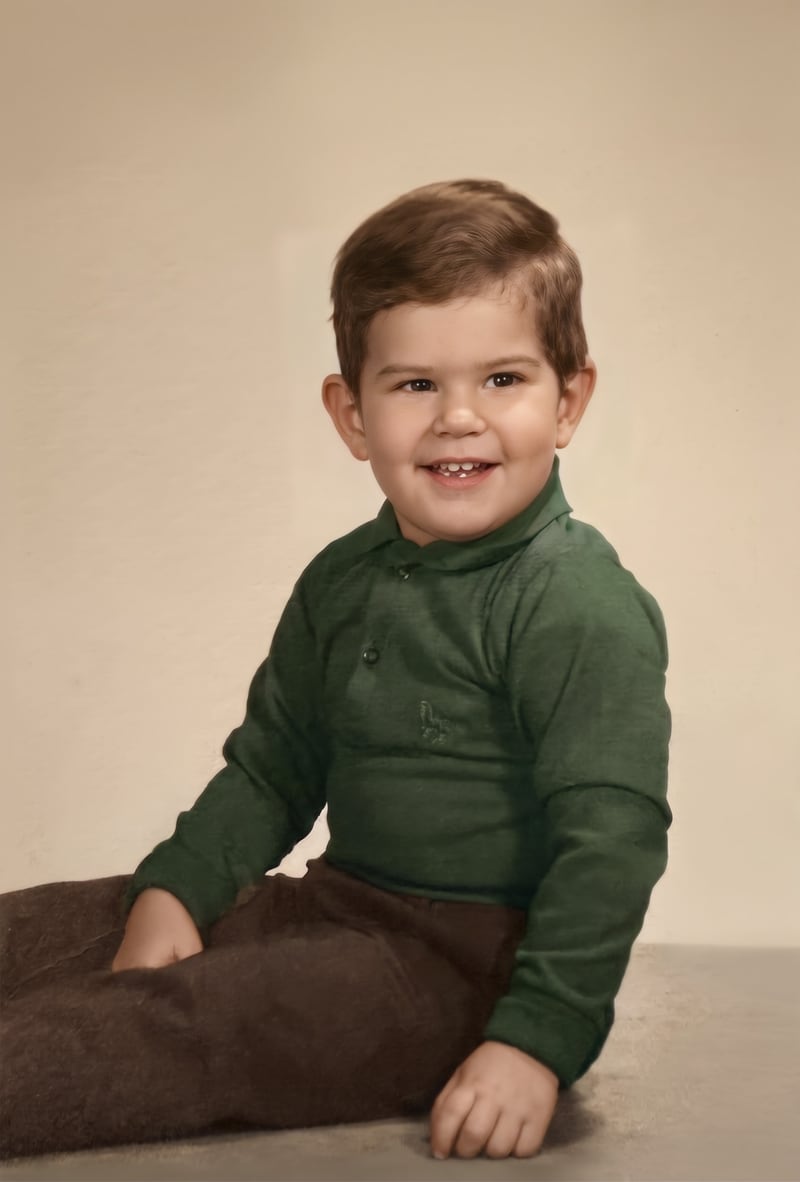
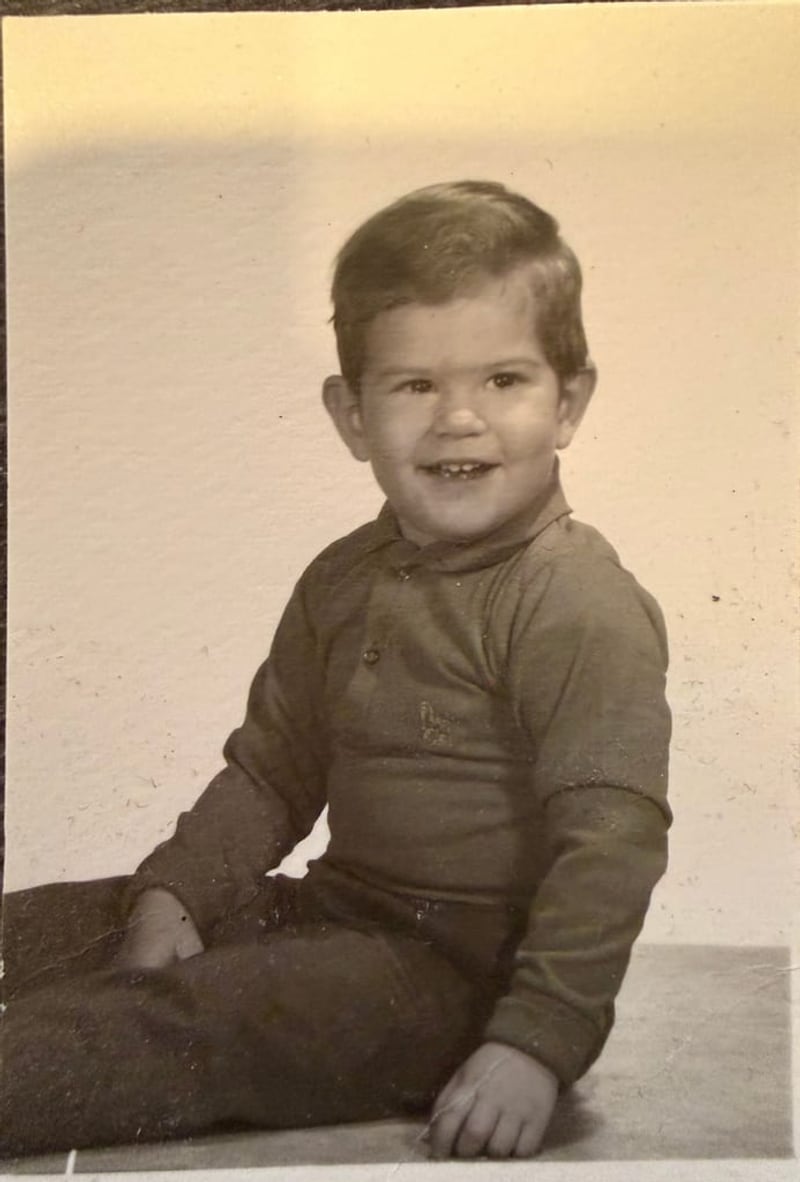
This is what we do at Shoebox Portraits. You see your restored photo free before you pay, in color and in the original tone, and every face is kept the same as in the original. You can drag the slider below to compare a real example.
How to judge a colorized photo
Whichever way you go, look at the result with these questions in mind:
- Are the faces unchanged? Same eyes, same smile, same shape. This matters more than any color.
- Does the skin look alive? Natural skin has a little warmth and variation: pinker cheeks, darker around the eyes. Flat orange or gray skin looks fake.
- Is the color subtle? Old photos were taken in softer light with less saturated surroundings. Overly bright colors look modern and out of place.
- Is anything missing? Writing, jewelry, a pattern on a dress. These details should survive.
Sharing and printing
Colorized family photos make wonderful gifts, especially for parents and grandparents who knew the people in them. A framed print of a colorized wedding photo for an anniversary, or a set of prints for each sibling, is the kind of gift people keep for decades.
If you're just getting started, read how to restore old photos with your phone for the full, step-by-step process.